Mining Miner
with Skollheim
A 2D incremental mining game, out on Steam.
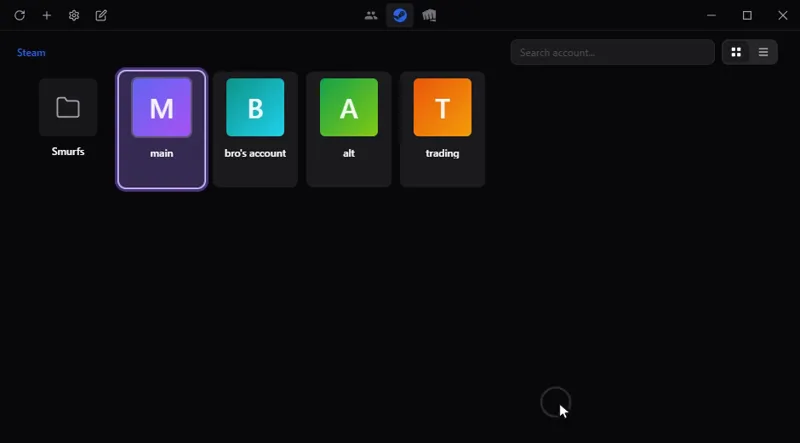
Switch between your game accounts in one click, with no password stored: Steam, Riot, Battle.net, Epic and more. On Windows, macOS and Linux.
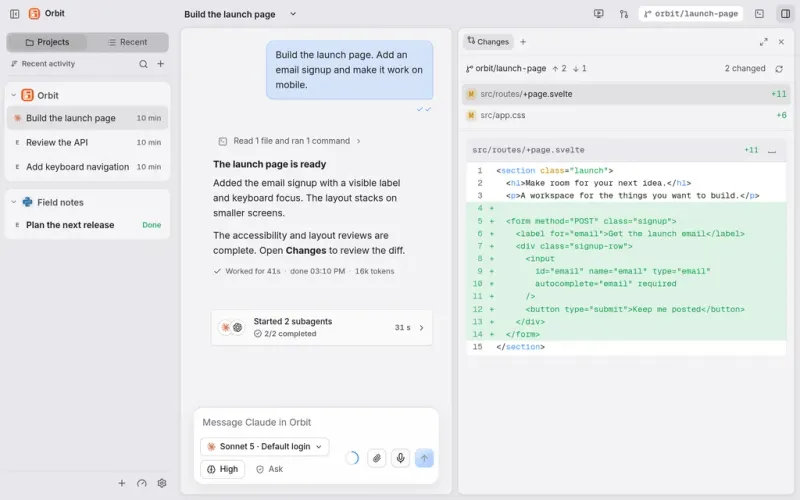
All your work and your AI agents in one place: Claude Code, Codex and others in a single chat window, on your computer and from your phone.
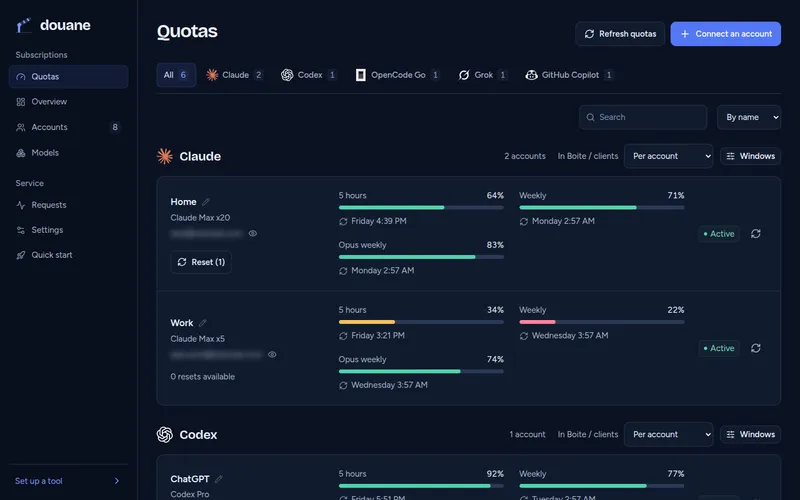
For developers: use all your AI subscriptions in any coding tool through one server you host, which watches each account's quota.
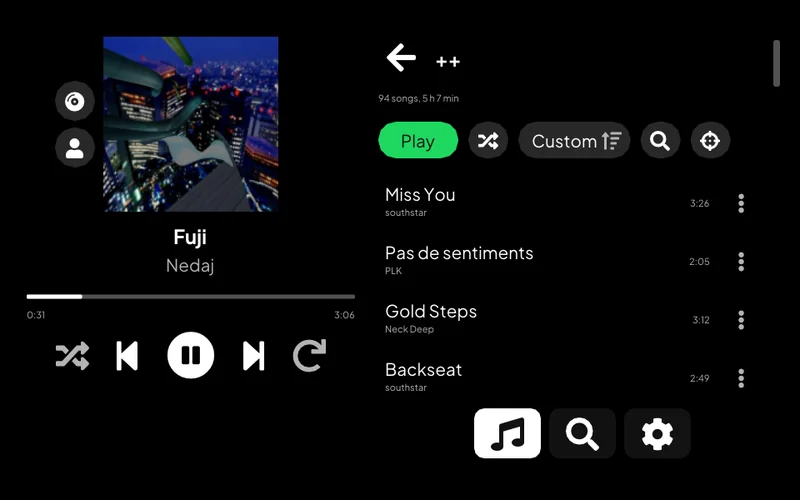
Listen to Spotify on a PS Vita: your library, search, artist pages and Spotify Connect.
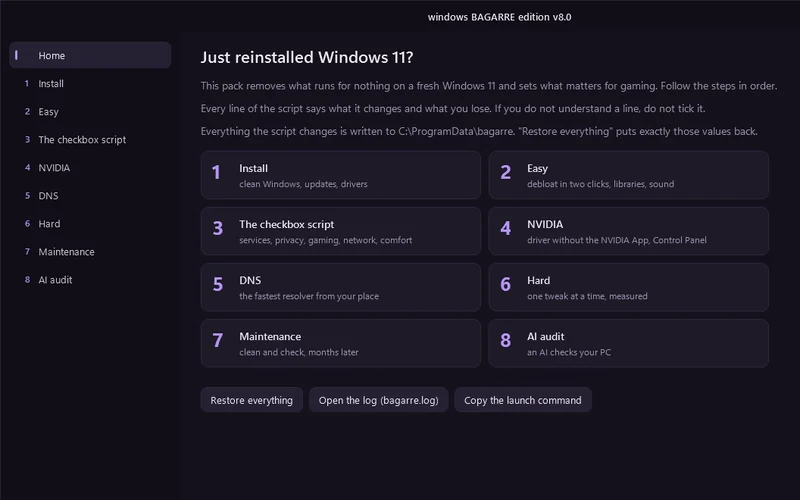
One window that cleans up a fresh Windows 11 install and tunes it for gaming.
For developers: pick which AI coding assistant to launch, with which service and model, from one terminal menu, or let a roulette choose.
Lets an AI assistant work on a remote computer: run commands, move files, take screenshots.
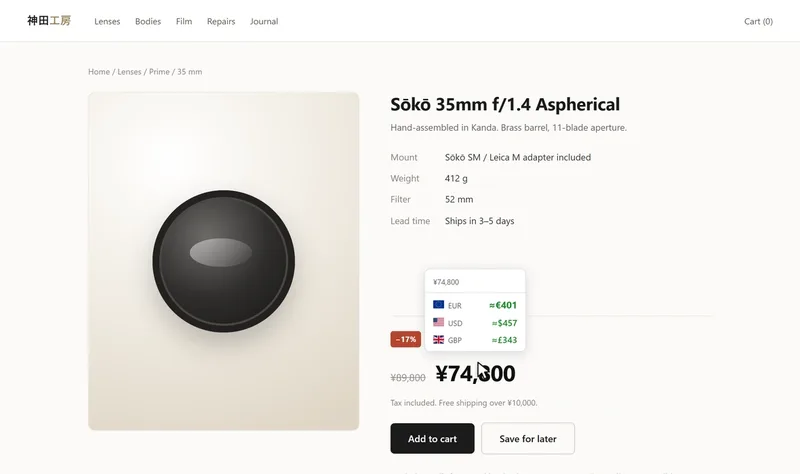
See a price on a web page in another currency or in crypto: on hover, on a selection or right in the page. Chrome and Firefox.
Control a Meian home alarm from an Android phone, by SMS.
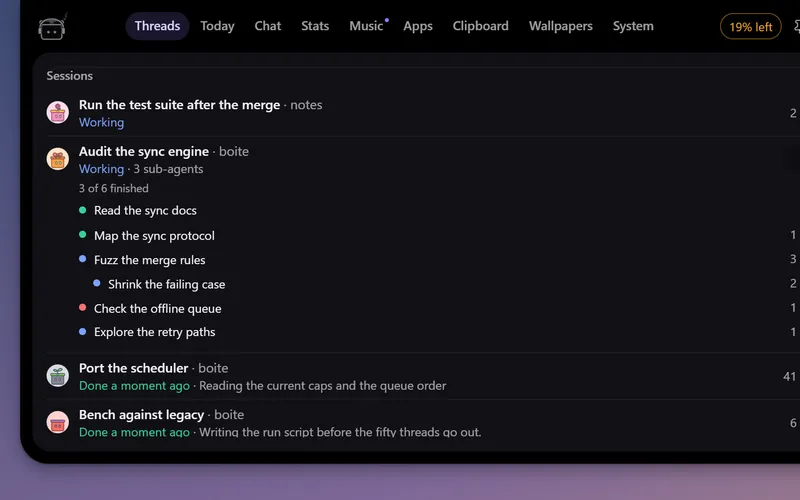
A little robot at the top of your screen that watches your Boite agents, tells you when one needs you and lets you answer without opening Boite.
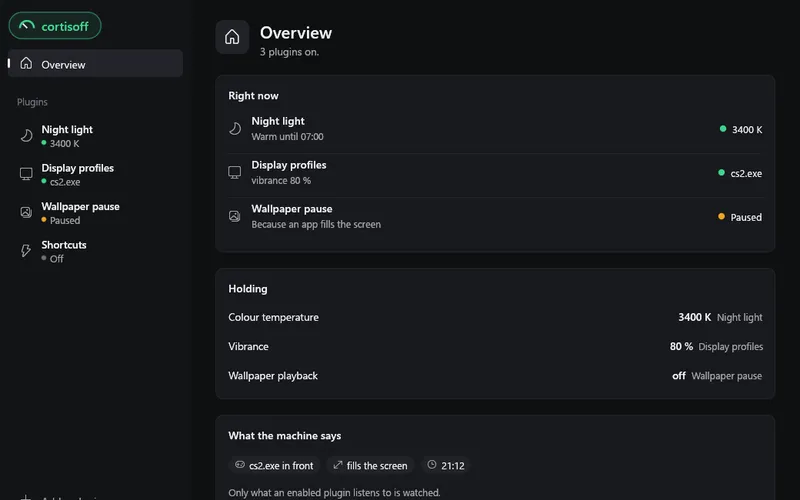
Small plugins for your desktop: a night light in the evening, a refresh rate and vibrance for each game, shortcuts. On Windows, Linux and macOS.
Windows tool
One window that cleans up a fresh Windows 11 install and tunes it for gaming.
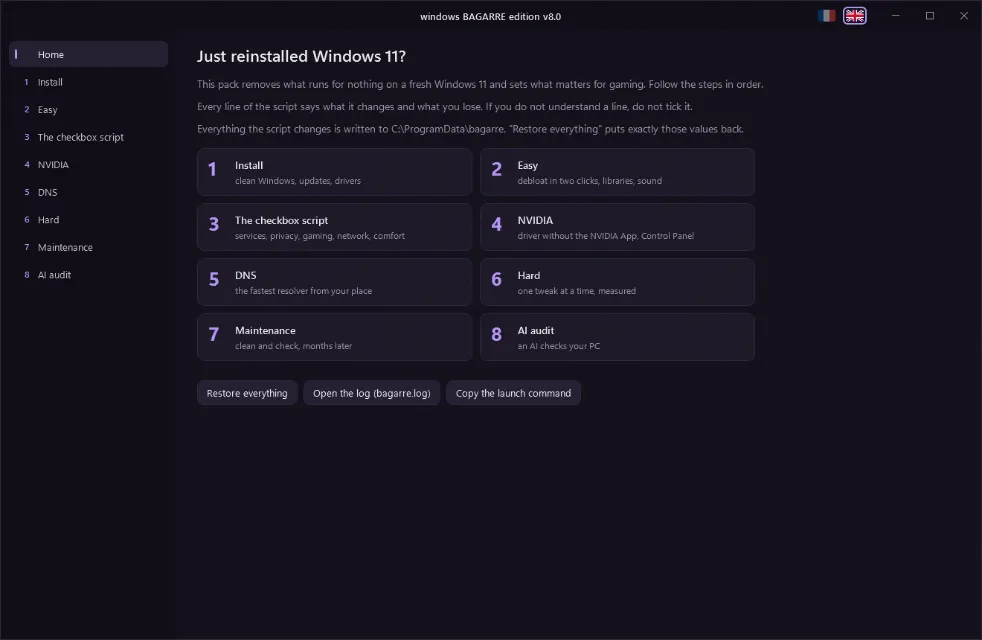
A window that debloats and tunes a freshly installed Windows 11 for gaming, in French or English.
Open a Terminal (right-click Start > Terminal), paste this line and accept the administrator prompt:
irm https://bagarre.mtsu.dev | iex
The command downloads the current version every time, there is nothing else to install. The window opens in the display language of Windows, and the two flags at the top switch it.
Eight steps, in order:
What the pack refuses to do, and why, is in docs/decisions.md.
bagarre.ps1 is the file the command downloads. build.ps1 generates it from src/ and textes/, so edit those and rebuild.src/ holds the PowerShell sources, textes/fr and textes/en the text of each page, images/ the screenshots and button logos, worker/ the Cloudflare Worker behind bagarre.mtsu.dev.& ([scriptblock]::Create([IO.File]::ReadAllText("bagarre.ps1", [Text.Encoding]::UTF8))) -Liste
& ([scriptblock]::Create([IO.File]::ReadAllText("bagarre.ps1", [Text.Encoding]::UTF8))) -Capture captures
The file is UTF-8 without BOM, which is why it is loaded this way rather than with -File on PowerShell 5.1. -Amd renders the AMD page, -Vieux the warning shown on an install older than a month.